
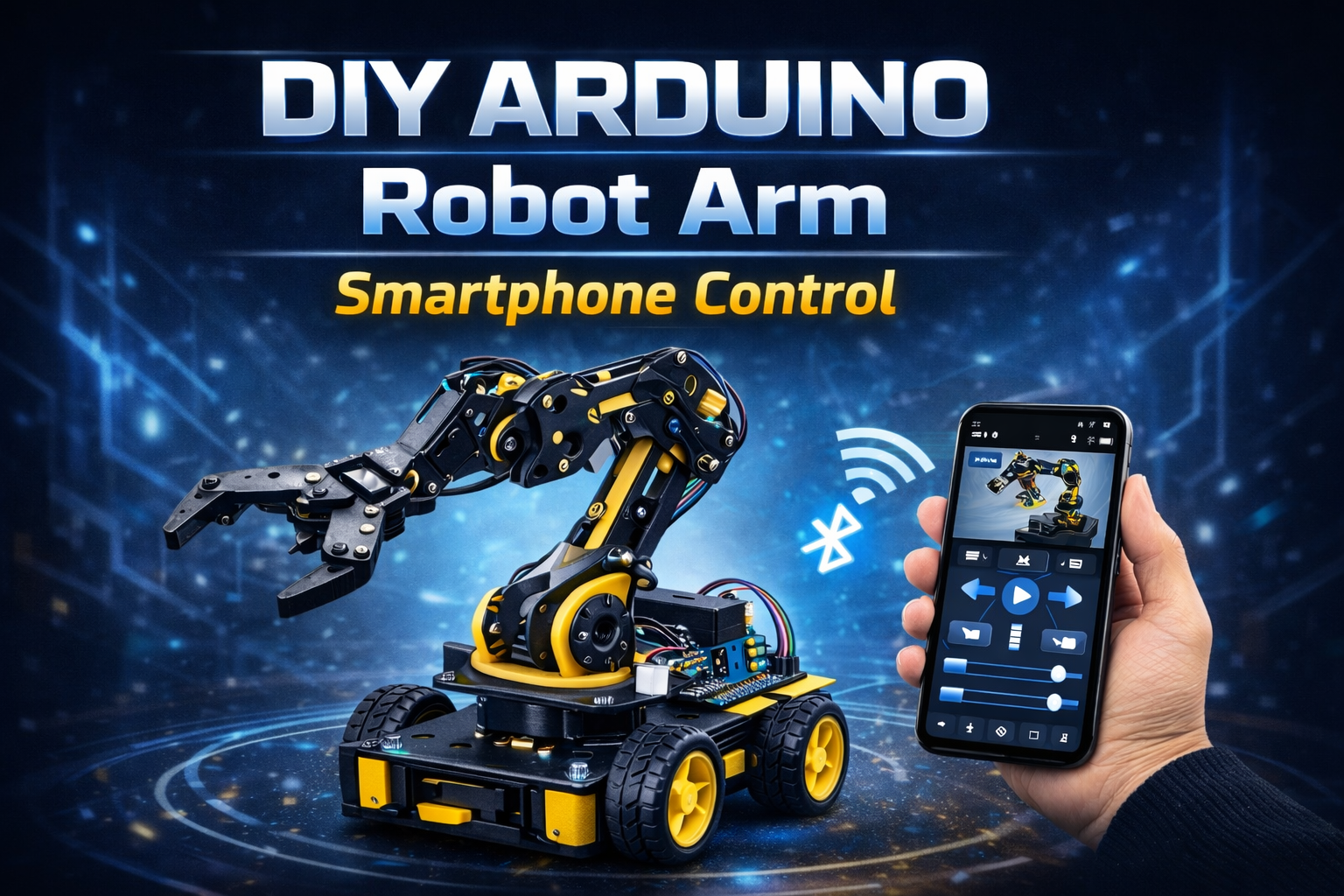
🔍 Project Overview
This project uses an Arduino Uno, an HC-05 Bluetooth module, and a custom Android smartphone app to control a 6-DOF robotic arm wirelessly.
Each servo motor is controlled individually through sliders in the mobile app. The system also supports saving multiple movement positions and replaying them automatically in sequence.
The robot arm operates fully offline via Bluetooth communication.
📱 Bluetooth App Name
You can use apps like:
- Arduino Bluetooth Controller
- Bluetooth Electronics (Keuwlsoft)
- Custom MIT App Inventor App
If you want branding for your website project section, recommended name:
“RoboArm BT Control”
⚙️ How It Works (Short & Simple)
Bluetooth Connection
Smartphone connects to HC-05 module via Bluetooth (38400 baud rate).
App Sends Commands
Each slider sends data like:
s1XXX→ Servo 1 positions2XXX→ Servo 2 position- up to
s6XXX
Smooth Servo Movement
Arduino gradually moves servos using incremental loops for smooth motion.
Save Positions
Press SAVE → stores all 6 servo angles into arrays.
Run Automatic Mode
Press RUN → replays saved steps continuously.
Pause / Reset
PAUSE→ temporary stopRESET→ clears memory
🛠️ Hardware Used
- Arduino Uno
- HC-05
- 6x Servo Motors (MG996R / SG90 depending on load)
- Robot Arm Acrylic / Metal Frame
- External 5–6V Servo Power Supply
- Breadboard & Jumper Wires
- Android Smartphone
✨ Key Features
✔ 6 Degrees of Freedom (6 DOF)
✔ Individual servo slider control
✔ Smooth speed-controlled motion
✔ Save & replay movement sequences
✔ Adjustable movement speed
✔ Fully offline Bluetooth control
✔ Expandable for automation
📈 Applications
Pick and place prototype
Industrial automation demo
Robotics learning project
STEM education
Small object manipulation
Assembly line simulation
Research experiments
🚀 Future Scope
Wi-Fi control using ESP32
Voice control integration
AI object detection + auto pick
Camera-based vision system
Mobile app UI improvement
Cloud-based movement storage
Gesture control using accelerometer
👍 Advantages
Low-cost build
Wireless control
Easy to program
Expandable system
Good for beginners & advanced robotics students
Real-time manual + automatic control
⚠️ Precautions
Use separate power supply for servos
Do not power servos directly from Arduino 5V
Avoid sudden load on arm joints
Secure mechanical screws properly
Ensure correct Bluetooth pairing
Prevent overheating during long runs



Leave a comment
Your email address will not be published. Required fields are marked *